Connect
Open the browser terminal or connect by Telnet. Follow the prompts to enter a ship.

1978 · UT Austin · multiplayer
Take command of a Federation or Empire starship in a shared, real-time galaxy. Scan space, navigate, fight, communicate, capture planets, and return to base to repair and rearm.
The game
DECWAR is a multiplayer space-combat game first created at the University of Texas at Austin in 1978. Unlike the earlier single-player Star Trek programs in the playable collection, captains occupy the same persistent session and act against one another in real time.
This modern port is a playable reconstruction with Austin selected as its default source variant. It is available for testing and feedback while preservation and fidelity work continues.
Open the browser terminal or connect by Telnet. Follow the prompts to enter a ship.
Type HELP for the command index, then HELP MOVE or another topic for details.
Use STATUS to inspect your ship and SCAN 10 to examine nearby space.
While learning, use explicit coordinates: MOVE ABSOLUTE followed by vertical and horizontal values.
At the prompt
Commands can be abbreviated—SC 10, for example—but spelling them out is easier while you are learning. The game’s own HELP command remains the authoritative guide at the terminal.
SHIELD UP before danger and remember that shields, movement, and weapons all draw on your ship’s resources.| Command | What it does |
|---|---|
HELP | Show the command index. |
STATUS | Report your ship’s current condition. |
SCAN 10 | Scan nearby space at the requested range. |
USERS | List the players currently connected. |
BASES / PLANETS | List known bases or planets. |
HELP PHASERS | Read the in-game help for phaser combat. |
HELP TORPEDO | Read the in-game help for photon torpedoes. |
TELL WOLF; Hello | Send a radio message to another ship. |
SHIELD DOWN / SHIELD UP | Lower or raise your shields. |
QUIT | Leave the game cleanly. |
Learn the terminal
Short, focused lessons for new captains. Begin with connecting to the live game; more walkthroughs are in production.
Open the live terminal, join the game, and take command of a ship.
Read coordinates, scan ranges, and the tactical galaxy display.
Understand energy, damage, shields, position, and ship condition.
Navigate with relative and absolute coordinates while conserving energy.
Take planets, establish bases, and strengthen your side’s position.
Learn targeting, firing, and the tactical role of photon torpedoes.
Use directed energy effectively while managing range and resources.
Coordinate with teammates and contact other captains by subspace radio.
Additional lessons will expand this guide as the playable alpha develops.
Explore the lineage
Early Star Trek computer games let one captain navigate a galaxy and fight Klingons. Versions reached UT Austin, where DECWAR was created in 1978 with many captains acting in the same galaxy. Play the earlier games to compare their maps, commands, and weapons with DECWAR.
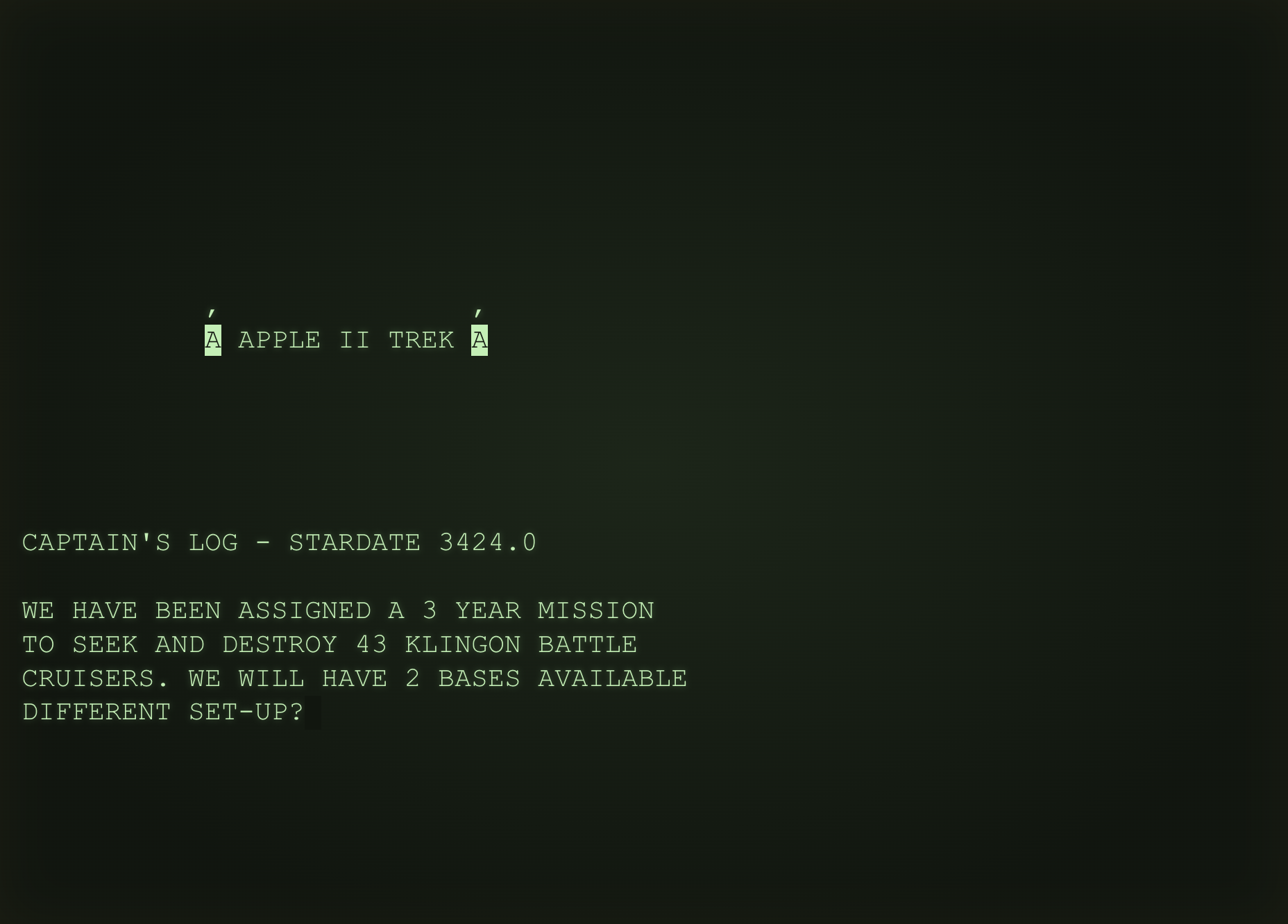 Try APPLETREK (1978) on Apple IICompare this single-player mission, screen, and commands with DECWAR. →